Accessibility
Websites everyone can use.
We design, build, and review WordPress websites to WCAG 2.2 AA, so people with disabilities can find information, complete tasks, and take part.
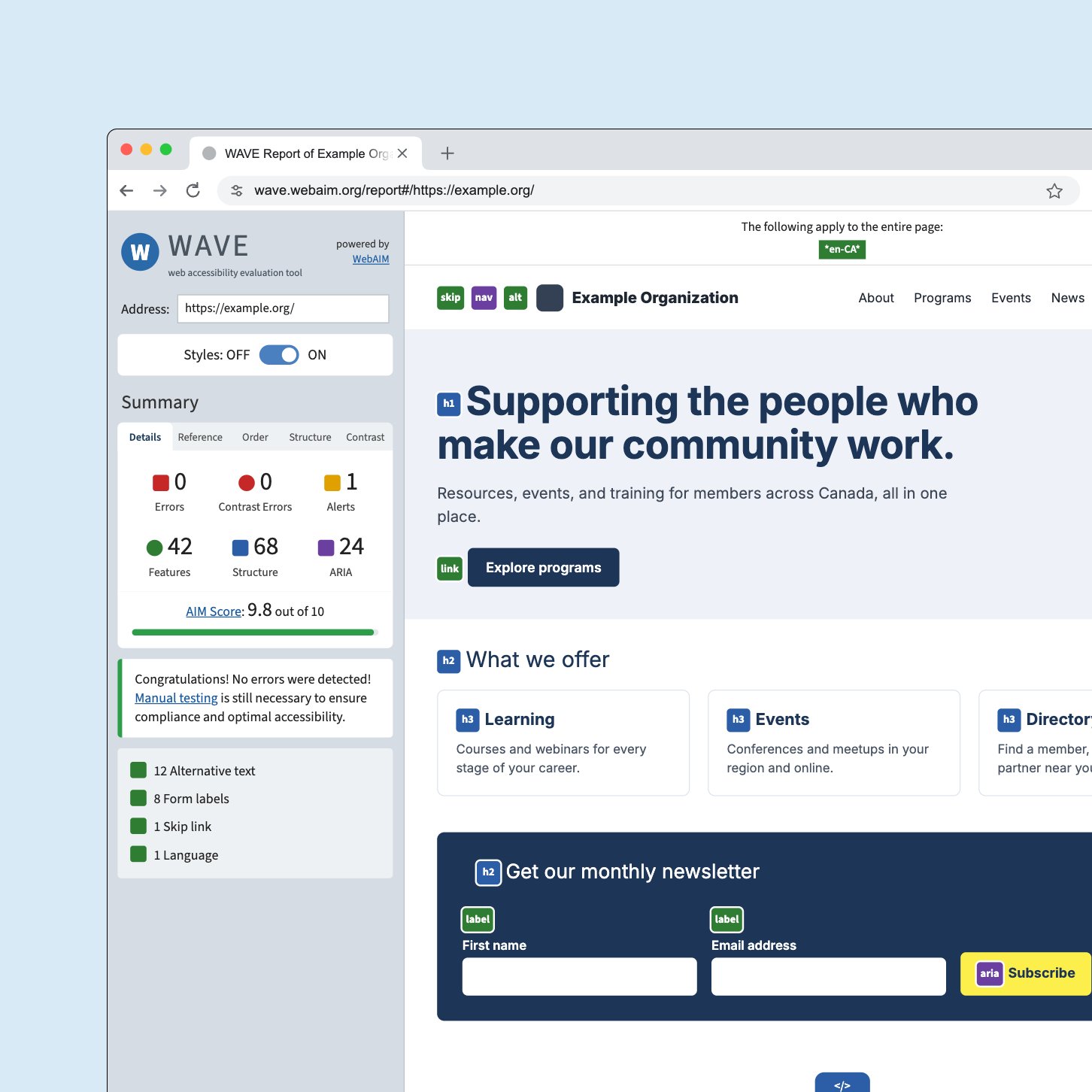
Accessibility
Accessibility is how we work, not an add-on.
More than one in four Canadians aged 15 and older has a disability, and many more use captions, larger text, or a keyboard every day. We build accessibility into design, development, and content from the start, then test with the same tools your visitors use.
Standards
What every accessibility engagement includes.
Whether we are building a new website or improving an existing one, this is the standard we work to.
- Standard
-
WCAG 2.2 AA. Meeting or exceeding the web requirements in most Canadian accessibility legislation.
- Testing
-
Tested by people. Automated checks, keyboard-only reviews, and screen reader testing.
- Design
-
Accessible from the first wireframe. Contrast, readable type, focus states, and layouts that hold up at any zoom.
- Code
-
Semantic and robust. Landmarks, headings, and controls that assistive technology understands.
- Forms
-
Clear and forgiving. Labels, instructions, and error messages that help people succeed.
- Documents
-
Beyond the web page. Guidance for the accessible PDFs and documents your team publishes.
- Training
-
Accessible after launch. Editor training, so new content stays accessible.
- No overlays
-
Real fixes only. We fix the website itself rather than adding a widget on top.
In practice
What accessible looks like.
Accessibility lives in details most visitors never notice, until they’re missing. These are some of the ones we take care of on every project.
Everything works without a mouse.
Many people navigate with a keyboard or a switch. We make sure every link, menu, and form works that way too.
Built for the tools people already use.
Screen readers read a page’s structure aloud. We build that structure so it makes sense when it’s heard, not just seen.
Readable for more people.
Low contrast is one of the most common barriers. We check every colour pairing and adjust your palette so your brand still works.
Text that scales.
Many people enlarge text on their phones and browsers. We design and test layouts that keep working when text gets bigger.
Forms people can finish.
Forms are where people register, renew, apply, and give. We make every field clear and every mistake easy to fix.
Video and audio everyone can follow.
Images, video, and audio carry a lot of your message. We make sure people who can’t see or hear them still get it.
Documents, not just pages.
Reports, forms, and policies often live in PDFs. We help make them accessible, or publish them as pages instead.
Words that work for everyone.
Accessible code still needs accessible content. We help your team write pages people can understand and navigate.
Real fixes, not overlays.
Toolbars that promise instant compliance leave the code unchanged, and can get in the way of the assistive technology people already use. We fix the website itself.
Free website review
See how accessible your website is.
Enter your website address and we’ll check your home page and a few linked pages for common WCAG problems, then explain what matters most. Automated checks find only a portion of barriers, so we’ll also tell you what a full review would cover.
Selected work
Accessible websites we are proud of.
 College of Occupational Therapists of OntarioAn accessible website that guides registrants, applicants, employers, and the public.
 Clear SeasAn accessible website for exploring research and resources on marine shipping.
 Canadian Institute of PlannersAn accessible, bilingual website with member resources and a job board.
 Canadian Queer Chamber of CommerceA rebuilt website with better usability, accessibility, and performance.
Questions
Fair questions about accessibility.
We design and build to WCAG 2.2 AA, which meets or exceeds the web requirements in most Canadian accessibility legislation.
No. Automated tools find a portion of issues. Keyboard and screen reader testing by people is needed to find the rest.
Overlays do not fix the underlying code, and they can get in the way of the assistive technology people already use. We fix the website itself.
Often, yes. We start with a review, then fix the most important barriers first.
Next step
Let’s talk about accessibility.
Tell us about your website and your accessibility goals. We’ll review your request and follow up about where to start.